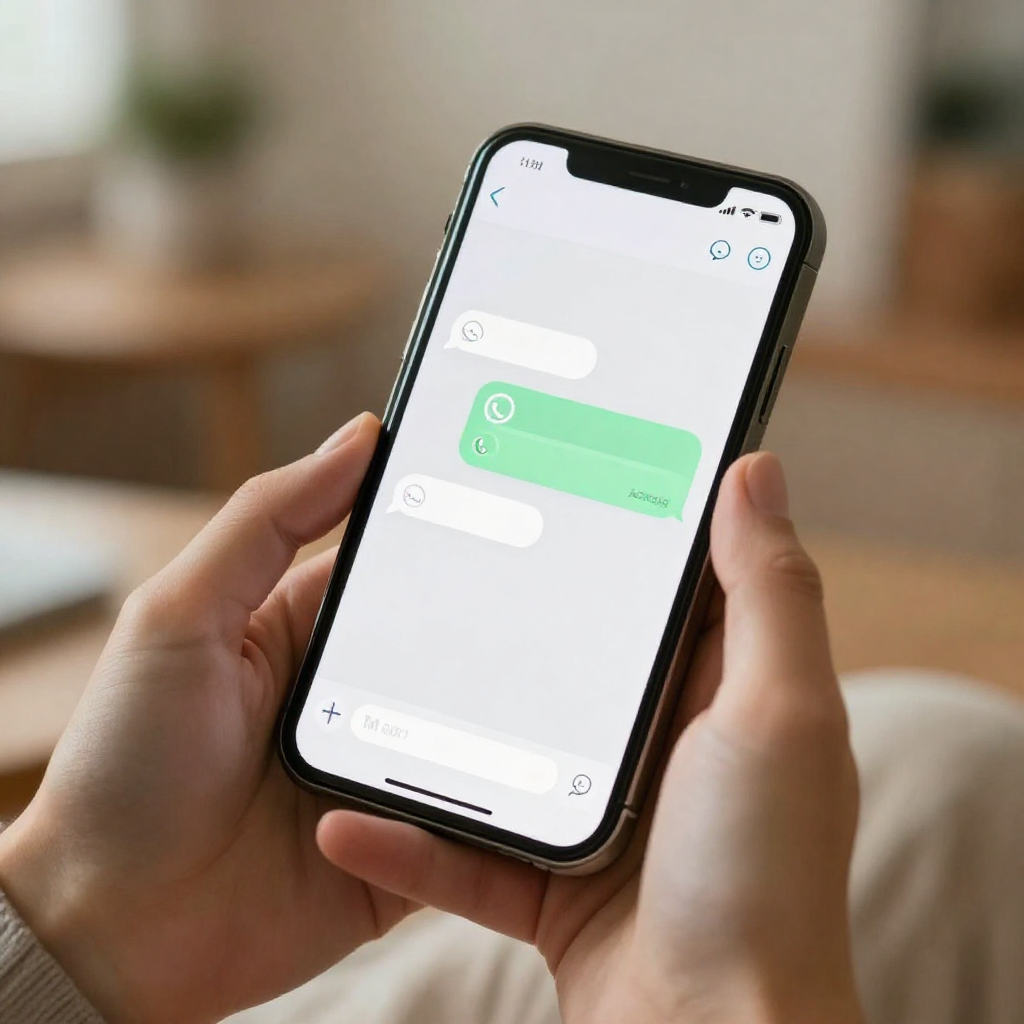
If you've ever spent a week chasing RSVPs over phone calls - "Did you get my message? Are you coming?" - you'll know exactly how draining that process is. You print cards, post them, hand them out, then hear nothing for days. WhatsApp messages get buried in group chats. Email invites land in spam. It doesn't have to work this way.
A free online invitation sent directly through WhatsApp solves all of that at once. You create one invitation, personalise it automatically for every guest, send it from your own WhatsApp number, and watch the responses come in - all tracked in one place. This guide explains exactly how it works with Invitofy, and why it's become the go-to approach for weddings, birthday parties, corporate events, and everything in between.
Why WhatsApp Is the Best Channel for Sending Invitations
Most people check their WhatsApp messages within minutes of receiving them. That's not true of email. It's not true of printed cards. WhatsApp sits on the home screen, notifications are on, and messages from real contacts get seen almost immediately.
When you send invitations with WhatsApp, you reach guests on a platform they already trust and use every day. There's no "did you check your inbox?" awkwardness. The invitation arrives, they read it, they tap the RSVP link, and you get their response. It's fast, frictionless, and genuinely more comfortable for most guests than filling out a web form buried inside an email.
WhatsApp also makes invitations feel personal in a way email simply doesn't. A message from someone you know - with your actual name in it - reads like it was written specifically for you. Which, in a sense, it was: even though the host sent it to 60 people, each message is individual, not a group broadcast. That matters when you want your guests to feel genuinely invited rather than processed.
What a Free Online Invitation Actually Gives You
A free online invitation isn't just a digital version of a paper card. Done properly, it's a full system: a beautifully designed invite, personalised for each guest, with a unique RSVP link, hosted on a page that works perfectly on mobile, and connected to a dashboard where you can see in real time who's coming and who still hasn't replied.
On Invitofy, every guest gets their own version. Their name appears in the WhatsApp message and on the invitation page itself. Their RSVP link is unique to them, so when they tap it and respond, their answer is recorded automatically against their name. You don't need to cross-reference a spreadsheet or dig through chat threads trying to piece together who said yes and who said maybe.
The whole thing is free to start - no credit card required to create your first invitation and send it.
Choosing a Template (or Designing Your Own)
Invitofy has over 56 invitation templates covering different event types and visual styles: formal weddings, casual birthday parties, corporate events, religious celebrations, graduation parties, and more. You pick a template that fits your event's tone, fill in the event details, and you're ready to go. Most people have a working invitation in under ten minutes.
If you want something completely bespoke, you can design your invitation in Canva or Adobe Express, then upload the image to Invitofy. You tell the platform which parts should change per guest - their name, a personal note, the table number - and it personalises each copy automatically. Every guest gets a version that looks hand-made for them, without you manually editing anything.
How the WhatsApp Sending Actually Works
This is the part that surprises most new users. You connect your own WhatsApp account to Invitofy by scanning a QR code - the same way WhatsApp Web works on a computer. No new phone number, no third-party accounts. Your guests receive their invitation from your actual number, the one they already have saved in their contacts.
Invitofy then sends each invitation as a separate, individual message. This is important: recipients don't see a group broadcast or a forwarded message. They receive a personal WhatsApp message from you, with their name in it, with their unique invitation link. It reads exactly like you typed it for them personally - because structurally, that's what happened, just without the hours of manual copying and pasting.
The 100-Message Daily Limit - and Why It's There to Protect You
Invitofy sends a maximum of 100 WhatsApp messages per day. When people first see this they sometimes wonder if it's a feature held back for paid plans. It isn't. It's a deliberate safeguard for your WhatsApp number.
WhatsApp's terms of service prohibit bulk and automated messaging. If multiple recipients report your number as spam, or if unusual sending patterns are detected, WhatsApp can restrict or permanently ban the number. Losing access to a phone number you've had for years - with all your contacts and chat history - is a serious, hard-to-fix problem. The 100-message daily limit keeps your sending behaviour within safe, human-looking bounds so your number stays protected throughout your event.
If your guest list is larger than 100, you can spread sending across multiple days. Many hosts find that smaller batches actually improve response rates anyway - messages sent in two or three waves don't all arrive simultaneously, so each one has a moment to stand out rather than competing with the others.
A Sample WhatsApp Invitation Message
When Invitofy sends your invitations, each WhatsApp message looks something like this:
Hi Sarah 👋
You're invited to James and Priya's Wedding!
View your invitation:
👉 https://invitofy.com/invite/xk8f2p…Please RSVP here:
✅ https://invitofy.com/rsvp/xk8f2p…
It's warm, it's clear, and the two links - one to view the full invitation, one to RSVP - make it effortless for the guest to do both things in under 30 seconds. No navigating menus, no wondering what they're supposed to do next.
Tips That Actually Improve Response Rates
Send in the evening. Messages sent between 7 pm and 9 pm consistently get faster responses than morning sends. People are relaxed, they have time, and they're already on their phones. A morning message gets read and mentally deferred; an evening message often gets replied to on the spot.
Set a specific RSVP deadline. "Please reply by 5th April" works far better than "let us know when you can." People respond to concrete deadlines. Set yours four to six weeks before the event - that gives you enough time to follow up with non-responders without panicking about final numbers.
Keep the WhatsApp message itself short. The message doesn't need to contain every detail about your event. That's what the invitation link is for. A short, friendly message with a clear link converts better than a paragraph of text that makes people feel like they're being briefed rather than invited.
Send one reminder. Invitofy's RSVP dashboard shows you exactly who hasn't responded. You can send a gentle follow-up to pending guests without disturbing anyone who's already replied. A single well-timed reminder typically recovers 20 to 30% of outstanding responses - and it takes about two minutes to send.
Tracking RSVPs Without the Chaos
Once your invitations are out, Invitofy's dashboard gives you a live view of who's accepted, who's declined, and who's still pending. Because every RSVP link is tied to a specific guest, there's no ambiguity. You're not piecing together responses from fifteen different WhatsApp conversations or trying to remember whether your cousin's "sounds good!" was a confirmation or a maybe.
For large events - weddings, corporate dinners, big birthday parties - this alone is worth the switch from manual invitations. Instead of managing a spreadsheet that's perpetually out of date, you have one clean, accurate list that updates the moment each guest responds.
Which Events Work Best with This Approach
Almost any event where you'd normally send an invitation benefits from going digital via WhatsApp. But a few contexts stand out. Weddings and large family celebrations are a natural fit, especially when guests are spread across different cities or countries - you reach everyone instantly, with no postage to worry about and no question of whether the card got lost.
Birthday parties, mehndi nights, anniversary dinners, and engagement celebrations work well because these are warm, personal occasions where a message from your own number feels exactly right. Corporate events - team gatherings, product launches, client dinners - benefit because you need reliable attendance numbers in advance, and the RSVP tracking makes that straightforward without chasing email threads.
Getting Started Takes About Ten Minutes
Create your account, add your event details, pick a template or upload your design, then add your guest list. Once everything looks right, connect WhatsApp, check your message preview, and send. For most new users the whole setup - from signing up to sending the first invitation - takes under ten minutes. After that, getting invitations out to 50 guests is a single button click.
It's free to get started. The core features - templates, guest management, RSVP tracking, and WhatsApp sending - are available without a paid subscription.
Create your free online invitation on Invitofy and send it with WhatsApp today. For more on getting your invitations right, see our guides on wedding invitation wording and birthday party invitation wording.