Event planning digital invites have changed the way people organise everything from birthday parties to corporate conferences. Instead of printing, posting, and waiting, you send a beautifully designed invitation in seconds and watch the RSVPs roll in. This guide walks you through every step, so you can spend less time chasing guests and more time enjoying the event.
Why Event Planning With Digital Invites Makes Sense
Paper invitations have a real cost. According to Statista, consumer digital engagement has climbed every year since 2015, and event planning has followed that shift. People respond faster to a WhatsApp message or a link than they do to a card sitting on the kitchen counter.
Digital invitations also give you data. You know who opened the invite, who confirmed, who declined, and who still hasn't responded. That kind of visibility is impossible with a paper card. When you combine that with real-time RSVP tracking, your event organisation becomes genuinely manageable.
There's a sustainability angle too. The US Environmental Protection Agency reports that paper and paperboard make up a significant share of municipal solid waste each year. Choosing online invites removes your event from that pile entirely.
Step 1: Choose the Right Online Invitation Templates
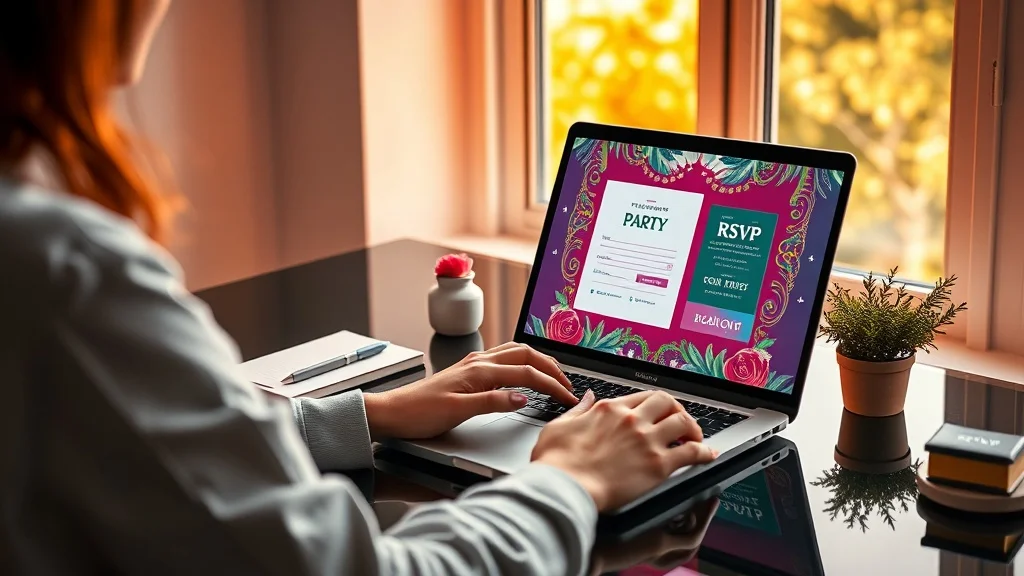
Your invitation sets the tone before the event even begins. A template that matches your event's style tells guests what to expect and signals that you've put thought into the experience. Browse designs that suit your occasion, whether that's a formal wedding, a relaxed birthday, or a professional corporate gathering.
Look for templates that let you customise colours, fonts, event details, and imagery. The more personalised the invitation, the more likely guests are to take it seriously and respond promptly. Invitofy offers a wide range of online invitation templates across every event type, so you're not stuck adapting something that doesn't quite fit.
Match the Template to the Occasion
A baby shower invitation should feel warm and celebratory. A corporate event invitation should feel polished and professional. Mixing up the tone confuses guests before they even arrive. Spend a few extra minutes picking a design that genuinely reflects the event.
Think about your guests too. If the majority of your guest list is on WhatsApp daily, a digital invite delivered directly to their phone will feel natural. If your event is formal, choose a template with clean lines and restrained colours rather than something playful.
Keep the Details Clear
No matter how good the design looks, clarity wins. Include the event name, date, time, location (with a map link if possible), and a clear RSVP deadline. Guests shouldn't have to scroll or guess. Everything they need should appear before they have to think too hard.
Step 2: Build and Segment Your Guest List
Good guest management starts before you send a single invite. Pull together your full guest list, then segment it if the event calls for it. A wedding might have separate lists for the ceremony, the reception, and the rehearsal dinner. A corporate event might distinguish between clients, staff, and VIP speakers.
Segmentation helps you send the right information to the right people without creating confusion. It also makes your RSVP tracking cleaner because you can see response rates per group rather than one undifferentiated pile of names.
Keep a single master spreadsheet or use the guest management tools built into your invitation platform. Switching between multiple tools mid-planning is where mistakes happen.
Step 3: Use RSVP Tracking to Stay Ahead
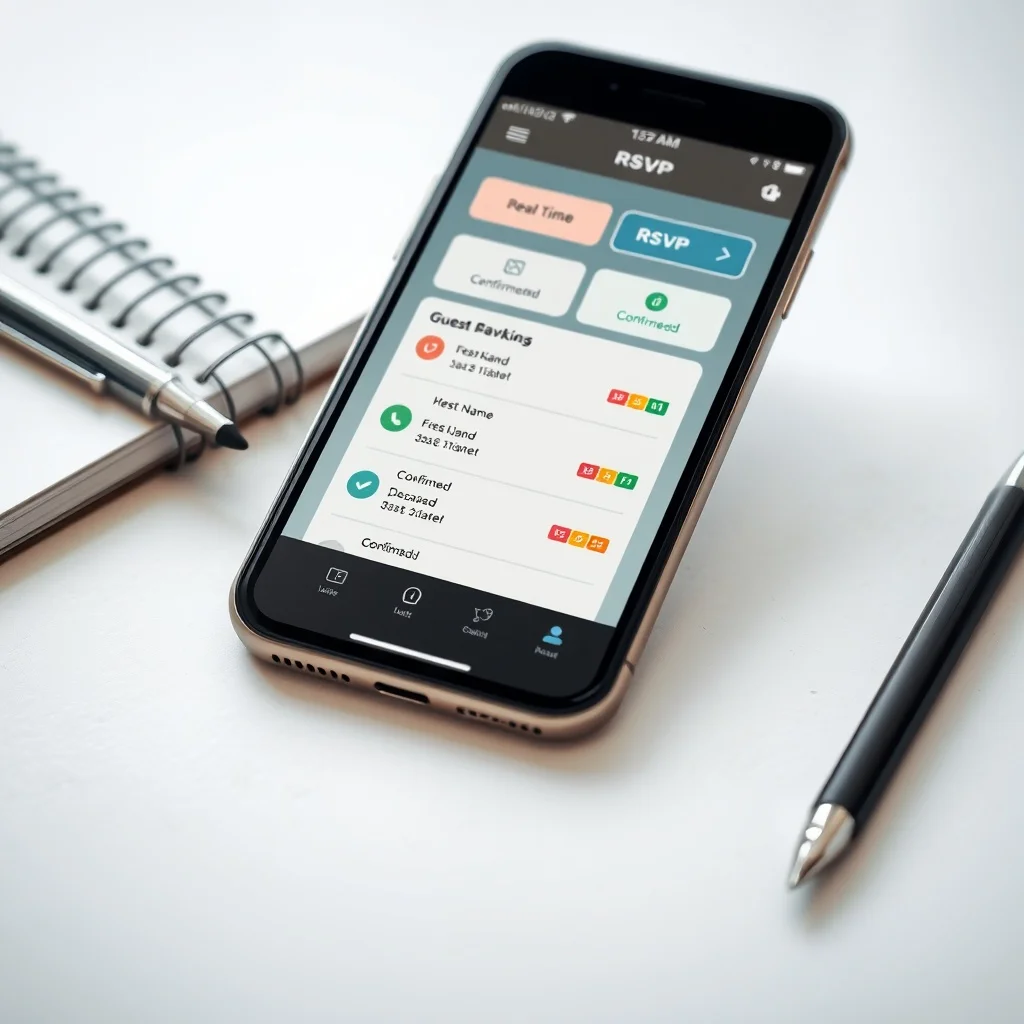
This is where digital invitations genuinely outperform every other method. Real-time RSVP tracking means you always know your headcount. You're not calling around two days before the event trying to get a final number for the caterer.
Set a clear RSVP deadline on the invitation itself, then monitor responses as they come in. Most platforms let you see confirmed, declined, and pending guests at a glance. When the deadline passes, you know exactly who to follow up with, and you can do it in one message rather than dozens of individual calls.
Send Reminders Without the Awkwardness
Chasing RSVPs is one of the most tedious parts of event planning. Digital platforms let you send automated or one-click reminders to guests who haven't responded yet. You don't have to craft an individual message to each person or feel like you're nagging.
A well-timed reminder, sent around three to five days before your RSVP deadline, typically bumps response rates significantly. The reminder goes out via WhatsApp or the channel you originally used, so it lands where guests already are.
Use the Data to Make Decisions
Your RSVP data isn't just a headcount. It tells you how quickly people responded, which can indicate how excited your guest list is about the event. A slow response rate early on is a cue to check whether the invitation was clear, the date is convenient, or the details are compelling enough.
Step 4: Send Via WhatsApp for Maximum Reach
WhatsApp has over two billion active users worldwide, according to Wikipedia's WhatsApp overview. Sending your digital invitation through WhatsApp from your own number means it arrives from a contact your guests already recognise, not from an unknown platform email address they might ignore.
This personal touch dramatically improves open rates. When a guest sees a message from you rather than a generic sender, they're far more likely to open it immediately. Invitofy lets you send directly from your own WhatsApp number, keeping that personal connection intact.
Avoid sending bulk messages through personal WhatsApp without a platform to manage it. WhatsApp's terms flag unusual bulk sending behaviour, and you risk your number being restricted. A dedicated invitation platform handles the delivery properly.
Step 5: Apply These Digital Invitation Tips to Every Event Type
The core process works the same whether you're planning a wedding or a company product launch. Pick your template, build your list, set your RSVP deadline, send via the right channel, and track responses in real time. The details shift by event type, but the structure stays consistent.
For weddings, personalisation matters most. Guests expect something that feels special. Check out Invitofy's wedding invitations to see designs built specifically for that occasion. For birthdays, speed and fun take priority. A quick, colourful invite sent on WhatsApp gets responses faster than anything else.
Corporate events need clarity above everything else. A corporate invitation should state the purpose, the agenda, the location, and any registration steps within the first scroll. If guests have to dig for information, they disengage.
Timing Your Send
Send formal event invitations four to six weeks in advance. For casual or last-minute gatherings, one to two weeks works fine. Corporate events with travel requirements sometimes need eight weeks or more. Build your send date into your event planning timeline so it doesn't get pushed back when other tasks pile up.
Follow Up After the Event
Digital invitations open a communication channel that you can use beyond the RSVP stage. Send a thank-you message to guests who attended, or a recap to those who couldn't make it. This kind of follow-up is easy when you already have everyone's contact details organised in one place.
Event Planning Digital Invites: Common Mistakes to Avoid
The biggest mistake is sending without proofreading. Check every detail on your invitation before it goes out: the date, the time, the address, the RSVP link. A typo on a digital invitation spreads instantly because forwarding is one tap away.
Another common issue is skipping the RSVP deadline. Without one, guests assume they can respond whenever, and you end up with a trickle of responses that never resolves. Set a firm date and display it clearly.
Don't underestimate your guest list size. If you're expecting 80 people and you've designed an event for 60, your RSVP tracking will catch the mismatch early enough to adjust. But only if you're actually monitoring it. Check your responses every few days after sending, not just the night before the event.
Keeping Your Event Organisation Tight Until the Day
Good event organisation doesn't stop when the invitations go out. Use your guest management data to confirm dietary requirements, seating arrangements, and any special access needs. Update your list as late RSVPs come in and flag anyone who hasn't responded as the deadline passes.
Share your confirmed headcount with vendors early enough for them to plan accurately. Caterers, venue managers, and photographers all need real numbers to do their jobs well. Your RSVP tracking dashboard gives you that number without any guesswork.
For events with multiple components, like a birthday celebration that spans an afternoon gathering and an evening dinner, track each segment separately. Some guests may attend one part and not the other, and you need clarity on both.
Why Invitofy Makes This Easier
Invitofy brings all of this into one platform. You choose a template, personalise it, build your guest list, send via WhatsApp from your own number, and track RSVPs in real time from a single dashboard. There's no switching between tools, no manual follow-up spreadsheets, and no chasing confirmations through separate messages.
Whether you're planning a small birthday dinner or a 200-person wedding reception, the process scales with you. The platform handles the logistics so you can focus on making the event itself worth attending.
Ready to take the stress out of your next event? Start building your digital invitation on Invitofy today and see how much smoother the whole planning process can be.