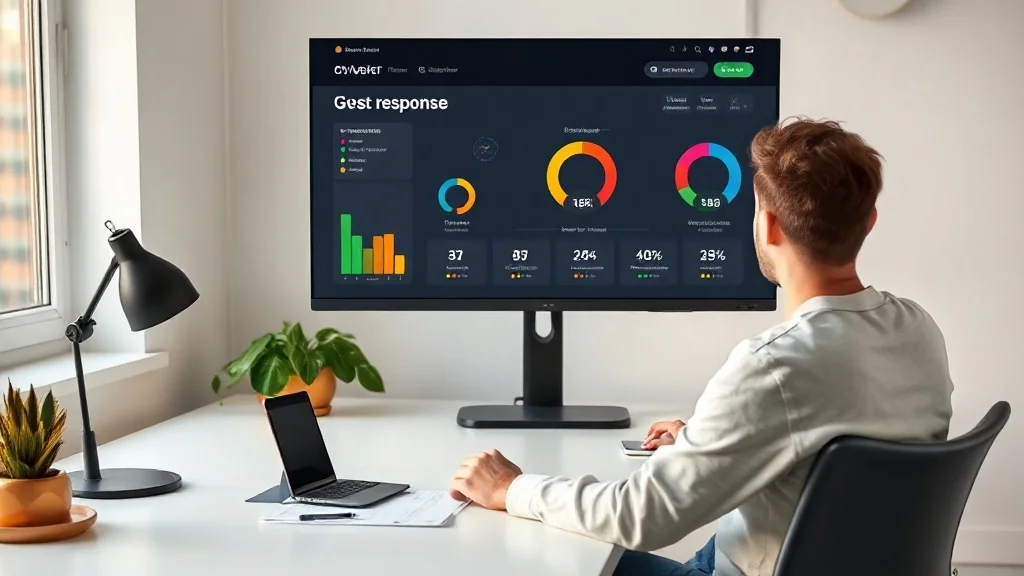
Most people treat invitations as a one-way broadcast: send and hope. But RSVP analytics turns that process into a two-way conversation, showing you exactly how guests are engaging with your invite before the event even starts. When you understand what the numbers are telling you, you can take action early and arrive at your event with a full room instead of a half-empty one.
What RSVP Analytics Actually Tells You
At its core, RSVP analytics is the data layer sitting on top of your digital invitations. It captures who opened your invite, when they opened it, whether they responded, and what they chose. That might sound simple, but those four data points give you far more control over your event outcome than any paper invite ever could.
Consider a birthday party where you send 60 invitations and only 20 people respond within the first 48 hours. Without analytics, you would assume the other 40 are just busy. With analytics, you can see that 35 of them opened the invite but did not respond, while 5 never opened it at all. Those are two very different problems requiring two very different follow-ups.
Platforms like event management software have tracked this kind of guest behaviour for years at the enterprise level. Now digital invitation tools bring the same intelligence to everyday events.
How to Read Your RSVP Data Effectively
The first number to watch is your open rate. A low open rate usually means your message got buried in a chat thread or the invite link was not compelling enough to tap. A high open rate with a low response rate tells a different story: people saw it, but something stopped them from committing.
Response timing matters too. Research on consumer decision-making behaviour consistently shows that people who engage with content within the first hour are significantly more likely to take action than those who return to it later. If your analytics show a spike of opens on day one that never converts to RSVPs, that is your window to send a follow-up before the momentum dies.
Break your guest list into three buckets: confirmed yes, confirmed no, and no response. The no-response group is where your attendance improvement work happens. Within that group, separate the openers from the non-openers so you can send targeted messages rather than a blanket reminder to everyone.
Tracking Declines as Useful Data
Most hosts ignore the people who RSVP no. That is a mistake. A cluster of declines from a specific social circle might signal a scheduling conflict you could address, or it could reveal that certain guests did not feel the invite was meant for them. If you are using digital invitation templates that allow you to personalise the message for different groups, a high decline rate from one segment is a clear signal to adjust your approach for the next event.
Tracking declines over multiple events also helps you build a more accurate guest list over time. If someone declines three events in a row, you can stop sending them last-minute invites and instead give them more notice. Small adjustments like that consistently improve your final attendance numbers.
Using RSVP Analytics to Send Smarter Follow-Ups
Blanket reminder messages annoy confirmed guests and often feel impersonal to undecided ones. RSVP analytics lets you send follow-ups only to people who actually need them, and it lets you tailor those messages based on behaviour.
For guests who opened the invite but did not respond, a short personalised message works best. Something like: "Hey, noticed you had a look at the invite. Would love to know if you can make it so I can sort the numbers." That feels human. It works because it references their actual behaviour without being creepy about it.
For guests who never opened the invite, the problem might be delivery rather than interest. Try resending through a different channel, or ask a mutual friend to give them a heads up. Online RSVP tracking tells you the message was not seen, which means the solution is a reach issue, not a persuasion issue.
Timing Your Follow-Ups Using the Data
A good rule of thumb is to send your first follow-up 48 to 72 hours after the initial invite, targeting only non-responders. Send a second follow-up five to seven days before the event for anyone still undecided. After that, most event hosts find a third message produces diminishing returns and can feel pushy.
If your analytics show a sudden spike of opens after a follow-up but still no responses, consider whether your RSVP process itself is the friction point. A long form or a broken link will kill your conversion rate no matter how good your guest management is upstream.
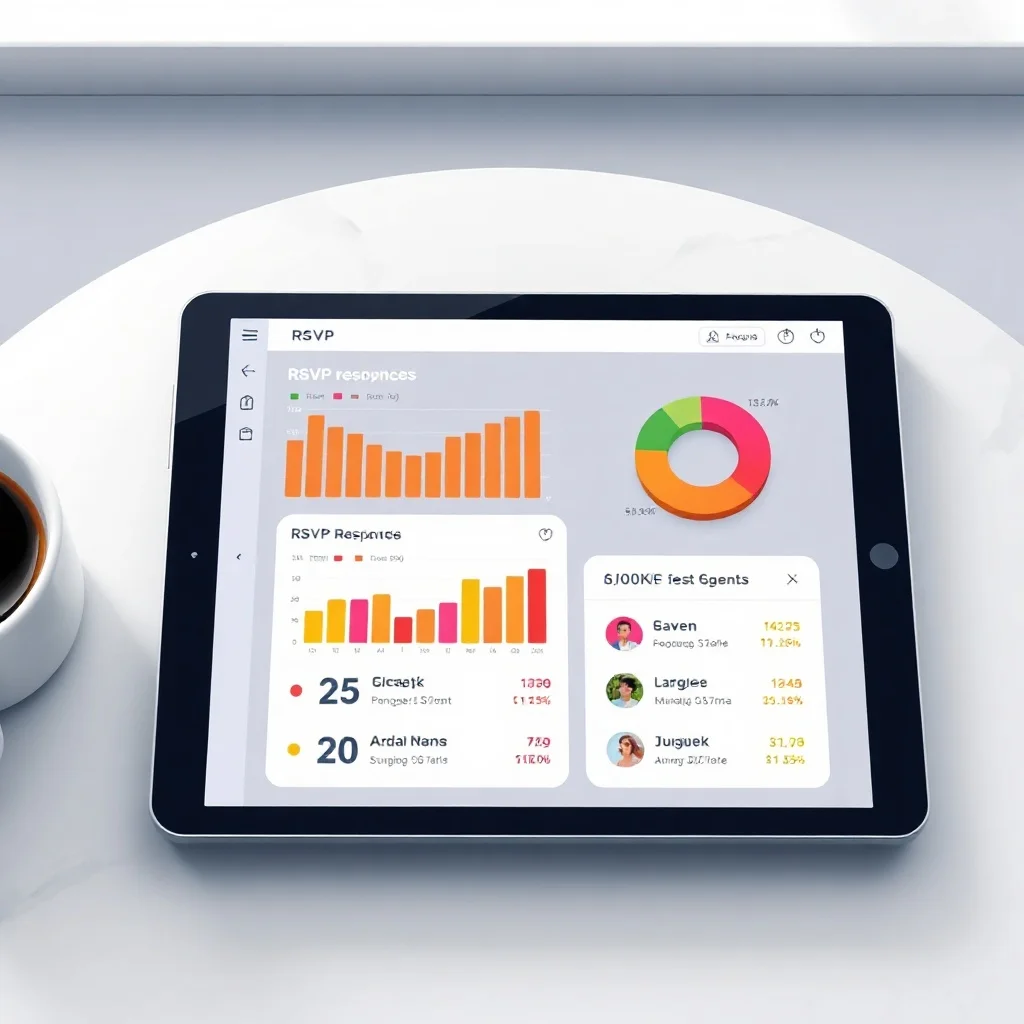
Improving Future Events with RSVP Analytics Trends
Single-event analytics is useful. Multi-event analytics is powerful. When you track RSVP data across several events, patterns start to emerge that can fundamentally change how you plan and invite.
You might notice that Saturday afternoon events consistently get a 30% higher yes rate than Friday evening ones for your particular guest circle. Or that invites sent on Tuesday mornings get opened faster than those sent on Sunday evenings. These are insights you can only build up through consistent online RSVP tracking over time, and they give you a genuine edge in event planning.
Event analytics also helps you right-size your venue and catering decisions. If your historical data shows that 85% of people who RSVP yes actually show up, and 10% of maybes convert to attendees, you can make far more accurate headcount predictions than someone guessing from a paper list. That accuracy saves money and reduces waste.
Building a Guest Profile Over Time
Every RSVP response is a small data point about a real person. Over time, your guest management system starts to reveal which guests are reliable confirmers, which ones always say maybe and then show up, and which ones say yes and then ghost you. Understanding those patterns lets you plan buffer seats, adjust catering margins, and follow up with the right people at the right time.
This kind of long-term guest profiling is something corporate event planners have relied on for years. Corporate event invitations often carry high stakes, and knowing your audience's historical response patterns is part of professional event management at that level. The same logic applies to personal events when you host regularly.
What Makes a Good RSVP Analytics Setup
Not all digital invitation platforms offer the same depth of event analytics. When you evaluate your options, look for platforms that show you open rates, response rates, response timing, and individual guest status at a glance. A dashboard that requires three clicks to find out who has not responded is not saving you time.
You also want the ability to send follow-up messages directly from the platform, filtered by response status. If you have to export a spreadsheet, cross-reference it manually, and then message people individually, you will not do it consistently. The tool needs to make the smart action the easy action.
Real-time tracking matters for day-of logistics too. Knowing that 12 confirmed guests have not yet arrived 20 minutes after your event starts is genuinely useful information. It tells you whether to hold the formalities or start on time, and it helps you manage catering and seating without guesswork.
Integration with WhatsApp for Direct Guest Communication
WhatsApp has become the dominant personal communication channel in many countries, with over two billion active monthly users globally. Sending your digital invitations directly through WhatsApp from your own number means guests receive the invite in the same place they already have conversations with you. That familiarity dramatically increases open rates compared to email or a generic link in a group chat.
When your invitation platform connects RSVP analytics directly to WhatsApp delivery, you get a closed loop: send the invite, track who opens it, see who responds, and follow up with non-responders, all from one place. That kind of seamless guest management removes the friction that causes most hosts to give up on tracking after the first event.
Putting RSVP Analytics Into Practice Right Now
Start with your next event, however small. Send a digital invitation through a platform that tracks opens and responses. Within 48 hours, check your analytics and identify the three buckets: confirmed, declined, and no response. Then send a personalised follow-up only to the no-response group, and split that message based on whether they opened the invite or not.
After the event, record your final attendance against your confirmed RSVPs. That conversion rate, confirmed to actually attended, is your baseline. Track it across your next three events and you will start to see patterns specific to your guest circle. Those patterns are what make your event planning sharper every time.
Whether you are planning a birthday party, a corporate gathering, or a casual get-together, the principle is the same: data replaces guesswork, and better data produces better attendance.
Start Using RSVP Analytics with Invitofy
Invitofy gives you real-time RSVP analytics built directly into your digital invitation workflow. You send personalised invites via WhatsApp from your own number, track who opens them, and see responses as they come in from a clean, easy-to-read dashboard. No spreadsheets, no chasing people across platforms.
If you want to run events where the right people show up and you always know where you stand on numbers, Invitofy is built exactly for that. Create your next invitation today and see what your guest data has been trying to tell you all along.