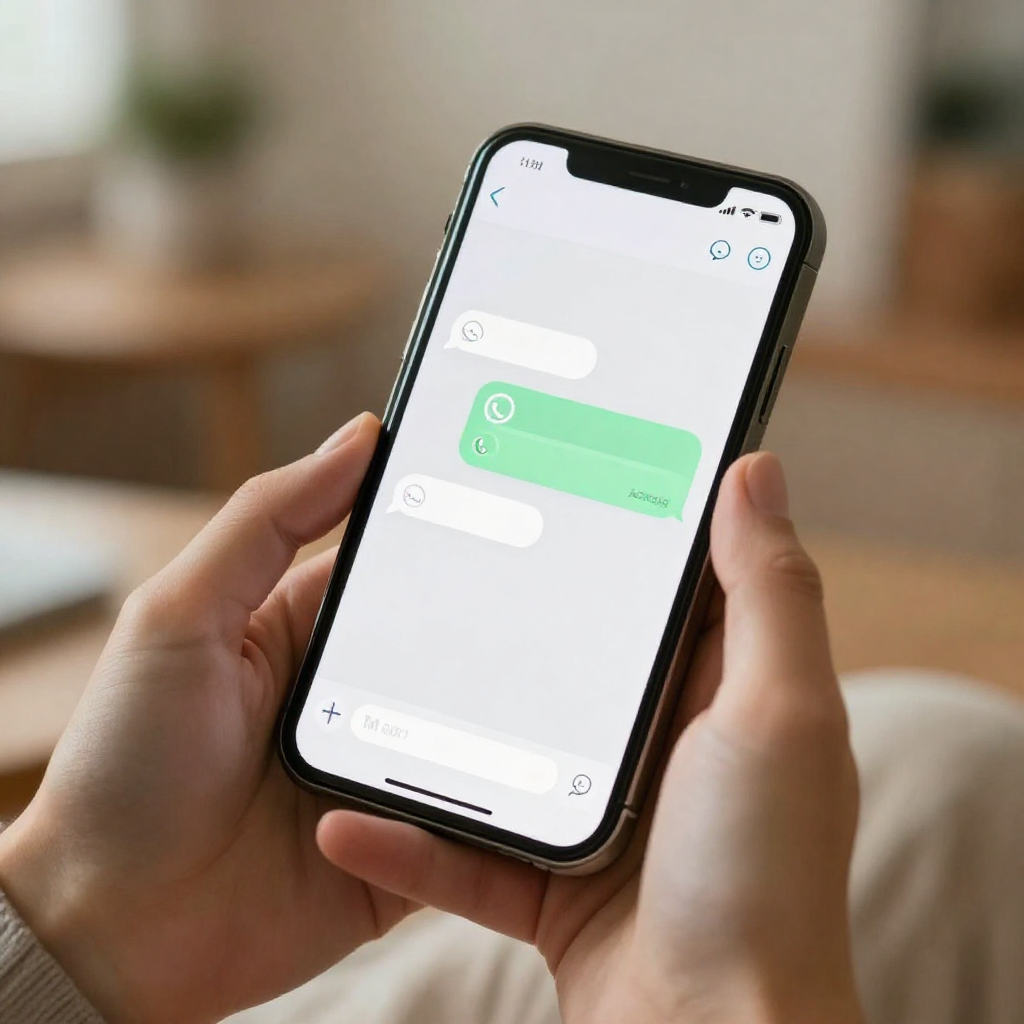
Life moves fast, and sometimes your event planning has to keep up. Whether a date just got confirmed, someone cancelled your venue and you rebooked, or you simply forgot, last-minute invitations don't have to be a disaster. With the right tools and a clear approach, you can get beautiful digital invites out the door in under an hour and still get solid RSVPs back.
Why Last-Minute Invitations Fail (And How to Avoid It)
Most last-minute invitations fall flat because they look rushed. A quick text with the event details feels informal and easy to ignore. People don't feel like they're being properly invited, so they deprioritise responding, and you end up with zero clarity on who's actually coming.
The second problem is scattered communication. You text some people, email others, and message a few more on social media. You lose track of who you contacted, who confirmed, and who you're still waiting on. That chaos costs you time and creates unnecessary stress in the days before your event.
The fix is simple: use a single platform that handles creation, sending, and RSVP tracking in one place. When everything runs through one system, you stay in control no matter how tight the timeline.
Step 1: Choose Quick Invitation Templates to Save Time
Starting from a blank page is the worst thing you can do when you're short on time. Pre-designed quick invitation templates give you a polished starting point that you can personalise in minutes. You're not sacrificing quality, you're skipping the work that doesn't matter right now.
Look for templates that match your event type. A birthday gathering needs a different feel from a corporate catch-up or a casual housewarming. Invitofy offers ready-made designs across all major event categories, so you can pick one, swap in your details, and have something that looks genuinely considered, even if you built it in fifteen minutes.
Keep your customisation focused. Update the name, date, time, location, and RSVP deadline. Add a short personal line if you have time. Don't spend forty minutes tweaking fonts and colours when you should be sending.
Step 2: Write Urgent Invitations That Drive a Response
When you send urgent invitations, your message needs to create immediate action. People respond to honesty. You don't need to pretend the invite was planned weeks ago. A short, direct note like "We're celebrating this Saturday, hope you can make it!" is warm, human, and gets straight to the point.
Your RSVP deadline should be tight and specific. "Please let me know by Thursday evening" works far better than "RSVP soon." Vague deadlines get ignored. Specific ones create a moment of decision.
According to Wikipedia's overview of RSVP etiquette, the term comes from the French phrase meaning "please respond," and the expectation of a clear response has been a social norm for centuries. That expectation hasn't changed, but people need a clear prompt to act on it quickly.
Step 3: Send Digital Invites via WhatsApp for Instant Reach
Email is too slow for last-minute situations. People check their inboxes when they get around to it. WhatsApp gets seen within minutes. When you need responses fast, sending your digital invites through WhatsApp is the smartest move.
Invitofy lets you send directly from your own WhatsApp number, which matters more than you might think. Messages from a saved contact get opened. Messages from unknown business numbers or automated systems get ignored or flagged as spam. Your guests see your name, they trust it, and they open it immediately.
Sending from your own number also keeps the conversation natural. Guests can reply with questions, you can respond, and the whole interaction feels like a real exchange between people rather than a broadcast from a system. That warmth makes a real difference to response rates, especially when you're asking people to commit on short notice.
If you want to explore more about how digital communication affects event response rates, Pew Research Center's internet and technology data consistently shows that mobile messaging platforms drive faster responses than email across all age groups.
Step 4: Use RSVP Tracking to Stay on Top of Responses
The moment you hit send, the next challenge begins: figuring out who's coming. Manually tracking responses across WhatsApp chats, text messages, and verbal confirmations is exhausting and error-prone. You'll end up chasing people, re-asking questions, and second-guessing your headcount right up until the day itself.
Real-time RSVP tracking solves this completely. Invitofy shows you a live dashboard of who has confirmed, who has declined, and who hasn't responded yet. You can see your numbers at a glance and make practical decisions, like how much food to order or how many chairs to arrange, based on actual data.
When your deadline arrives, you can send a follow-up nudge to non-responders directly through the platform. A single, friendly reminder often converts the stragglers who meant to reply but forgot. You're not chasing individuals one by one, you're just prompting the remaining group in one action.
Smart Event Planning Tips for Tight Timelines
Beyond the invitation itself, a few practical event planning tips make a huge difference when you're working fast. First, simplify your event. A last-minute gathering doesn't need a complicated programme. Drinks, food, and good company is enough. The simpler the event, the easier it is to communicate and the less you need confirmed in advance.
Second, set a firm headcount deadline and stick to it. If you need to order catering or confirm numbers with a venue, your RSVP deadline should be at least 24 hours before that conversation. Work backwards from your constraints and set your invitation deadline accordingly.
Third, don't over-explain the short notice. A brief, genuine line is all you need. "We've just confirmed the date and couldn't wait to get everyone together" is honest and warm. You don't owe anyone a lengthy apology for the timing.
The Eventbrite event planning blog highlights that clear communication and defined timelines are the two biggest factors in reducing event planning stress, regardless of how much lead time you have. Both are achievable even when you're sending invitations at the last minute.
Which Event Types Work Best with Online Invitations?
Almost any event benefits from online invitations, but last-minute scenarios in particular suit certain types. Casual birthday gatherings, impromptu housewarming parties, small team catch-ups, and baby shower add-ons are all events where people expect a relaxed approach and won't judge you for short notice.
Formal events like weddings typically need more lead time, but even here, digital invites work well for last-minute additions to the guest list or for sending digital versions of existing paper invites to guests whose addresses you don't have. If you're planning a wedding invitation strategy that combines early saves with last-minute follow-ups, digital tools give you the flexibility to handle both.
For birthday celebrations, birthday invitations on Invitofy come in designs that suit everything from children's parties to milestone adult celebrations. You can build something that feels intentional and festive even when you're pulling it together the week before.
Common Mistakes to Avoid with Last-Minute Invitations
Sending to the wrong people is more common than you'd think. When you're moving fast, it's easy to add someone to a group message who shouldn't be included, or forget a key person entirely. Take sixty seconds to review your guest list before you send. It's worth it.
Another mistake is burying the essential details. When you're rushing, the temptation is to write a quick message and figure it's obvious. Make sure date, time, location, and RSVP instructions are all clear and easy to find at a glance. If someone has to scroll or re-read to find the basics, you'll lose responses.
Finally, don't forget to test your invitation before sending it out. Preview it on your phone. Check that the link works, the design looks right on a small screen, and all the details are correct. Two minutes of checking saves you from sending a correction message to your entire guest list.
How Last-Minute Invitations Can Still Feel Thoughtful
Speed doesn't have to mean impersonal. A well-designed digital invite with a genuine personal message feels considered, even if you created it in twenty minutes. The design, the tone, and the fact that you reached out directly all communicate that you care about having the person there.
Personalise where you can. If the platform allows it, use the guest's name in the message. Add a short note that's specific to your relationship with them. These small touches take seconds but make the invitation feel like it was written for them, not sent to a list.
People understand that life is busy and plans shift. Most guests won't think less of you for short notice. They'll think more of you for making the effort to reach out properly, with a real invitation rather than a casual mention.
Start Sending Last-Minute Invitations with Invitofy
When time is short, you need a tool that keeps up. Invitofy lets you pick a template, personalise it, send via WhatsApp from your own number, and track every RSVP in real time. The whole process takes minutes, and the result looks like you spent hours on it.
Whether you're pulling together a birthday surprise, a corporate check-in, or a casual get-together, explore all invitation types on Invitofy and get your event moving. Don't let a tight timeline stop you from bringing people together properly.