Your party invitation design does its job in about three seconds. That is how long a recipient spends deciding whether your invitation is worth reading. Great design earns those three seconds. Poor design loses them before the guest even sees the date.
You do not need a design background to create a party invitation that stands out. You need to understand a few principles that professional designers use every day. Here is what actually makes the difference.
Start with Visual Hierarchy
Visual hierarchy is the order in which the eye reads a design. On a party invitation, that order should be: event name or occasion first, date and time second, venue third, supporting details last. Every design decision you make should reinforce this order.
If your venue name is the same size as the event title, the design has no hierarchy and the eye does not know where to start. If your RSVP deadline is the same visual weight as the party date, guests might miss the date entirely while noticing the deadline first. Size, weight, and color all control hierarchy.
Color: Setting the Mood Before a Word Is Read
Color communicates mood faster than any other design element. Before a guest reads a single word, your color palette has already told them whether this party is formal or casual, joyful or sophisticated, whimsical or modern.
Choose two or three colors maximum. One dominant color that covers most of the design, one accent color for key elements like the event name and important details, and optionally a neutral like white, cream, or black as a background or contrast.
Color by Event Type
Weddings and formal events: ivory, blush, navy, gold, deep burgundy. These palettes signal elegance and occasion.
Birthday parties: bold primaries or bright pastels depending on the age group. Children's parties benefit from saturated, high-energy colors. Adult milestone birthdays can use sophisticated palettes closer to wedding aesthetics.
Baby showers: soft pastels, sage green, dusty rose, warm yellow, lavender. The palette should feel gentle and welcoming rather than high-contrast.
Corporate events: brand colors anchored by clean white or light gray. Professional invitation design always defers to brand guidelines over creative expression.
Typography: Two Fonts, Maximum
Amateur invitation design often uses too many fonts. Professional design uses two: one for headings and one for body text. These two fonts should contrast meaningfully, a decorative or serif display font for the event name and a clean, readable sans-serif or simple serif for the details.
Readability is non-negotiable. A beautiful script font that guests cannot read in good lighting fails completely. Test your invitation by stepping back three feet from your screen or holding it at arm's length. If you cannot read it easily, your guests cannot either.
Font Size and Spacing
Body text on printed invitations should be at least 10 to 12 point. On digital invitations viewed on mobile, 14 to 16 point for body text ensures readability without requiring guests to zoom in. Line spacing of 1.4 to 1.6 times the font size makes text significantly easier to read at small sizes.
Give text room to breathe. Crowded text on a small card makes the design feel stressful and difficult. When in doubt, use less text and more space.
Layout: Centered vs. Left-Aligned
Centered layouts feel traditional, formal, and balanced. They suit weddings, galas, and formal celebrations where symmetry reinforces the sense of occasion. Most classic wedding invitations use centered alignment for exactly this reason.
Left-aligned layouts feel modern, editorial, and dynamic. They suit birthday parties, corporate events, and any invitation where a contemporary aesthetic fits the brand or event personality. Left alignment also tends to be easier to read for dense text because the eye follows a consistent starting point on each line.
Using Photos in Party Invitations
Photos add immediate personal warmth to any party invitation. A couple photo on a wedding invitation, a child's photo on a birthday invitation, or a past event photo on a recurring corporate event invitation all make the design feel personal rather than generic.
Keep photos high resolution (at least 300 DPI for print, 150 DPI minimum for digital) and well-cropped. A photo where the subject is a tiny figure in the center of the frame does not add personality. Crop tightly to faces and expressions. People connect with other people's faces faster than any other visual element.
Designing Digital Party Invitations
Digital invitation design has additional requirements beyond print. Your design must work on a mobile screen first, since most guests will view it on a phone. A design that looks stunning on a desktop monitor but requires zooming and scrolling on mobile fails in practice.
Use vertical orientation for mobile-first digital invitations. The key information should be visible without scrolling. If your design requires scrolling to find the venue address, guests will miss it. Stack your information vertically in clear priority order: event name, date and time, venue, RSVP button.
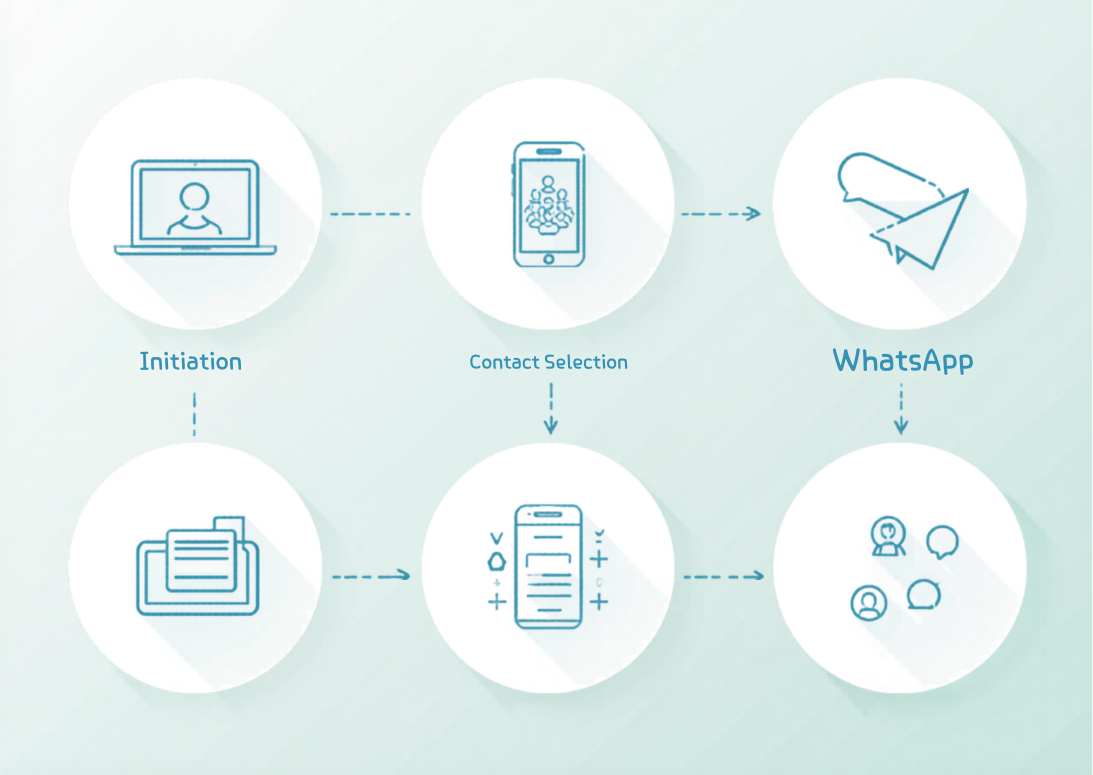
Create your free party invitation on Invitofy with mobile-optimized templates designed specifically for digital sharing. Every template is built for readability on phone screens and shareable via WhatsApp, email, or link.
Using Templates Effectively
Starting from a professionally designed template is smarter than starting from scratch. Templates give you a tested visual structure. Your job is to customize it to match your event, not to redesign it from the ground up.
When customizing a template, change colors, fonts, and photos to match your event identity. Do not change the fundamental layout proportions unless you have a specific reason. Those proportions exist because the original designer tested them.
According to Canva's design guide, the most common mistakes in event invitation design are overcrowding the layout with too much text, using too many fonts, and choosing colors that clash with the event's actual aesthetic. All three are avoidable with a clear concept before you start designing.
Final Checklist Before You Send
Before sending any party invitation, check: all key details are correct (date against a calendar, venue address verified with the venue); all text is proofread; the design reads clearly on mobile; the RSVP method is clearly stated with a deadline; and the design matches the actual event's tone and style.
Send the invitation to yourself first. View it on your phone as your guests will. If anything looks wrong on that first view, fix it before sending to your full guest list.
For more specific design ideas by event type, see the creative baby shower invitation ideas or the engagement party invitation ideas post for targeted inspiration you can apply immediately.