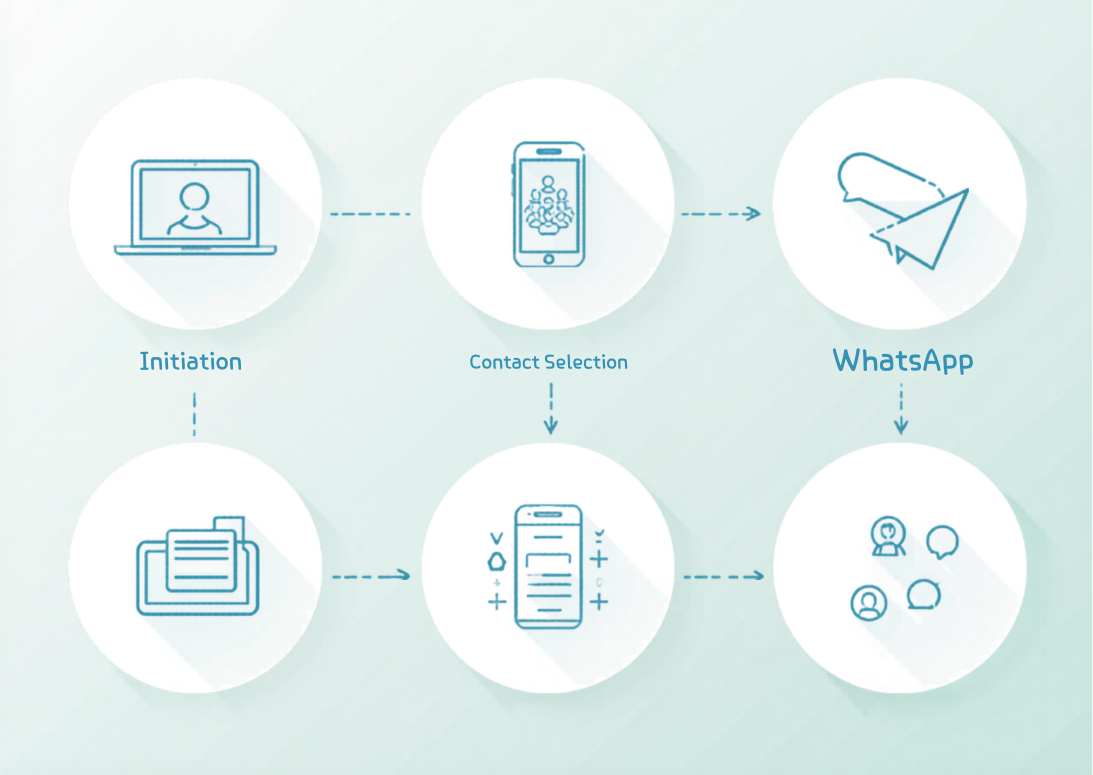
WhatsApp has over 2 billion active users worldwide. If you want your guests to actually see your invitation, sending invitations on WhatsApp is the most reliable way to do it. Most people check WhatsApp before they check email or the physical mail.
But sending an invitation via WhatsApp badly is just as easy as sending it well. A poorly formatted message buries the key details, confuses recipients, and gets low RSVP rates. This guide shows you exactly how to do it right.
Why WhatsApp Works Better Than Email for Invitations
WhatsApp messages have open rates above 98 percent. Email open rates average 20 to 30 percent at best. When you send an invitation via WhatsApp, you can be almost certain your guest sees it.
WhatsApp also delivers a read receipt. You know when your guest opened the message. If someone has read your invitation and not responded three days later, a gentle follow-up is completely appropriate. With email, you do not even know if they saw it.
What to Send: Image, Link, or Text
You have three options for sending a WhatsApp invitation: a designed image, a link to an online invitation, or plain text. Each has strengths.
Designed Invitation Image
A beautifully designed invitation image shared as a WhatsApp message makes an immediate visual impact. Guests see the design in their chat feed without tapping anything. This is the most effective format for generating excitement before a guest even reads the details.
Keep the image under 2MB so it loads instantly on any connection. Include all key details directly on the image so the information travels with the design even when guests forward it to their partner or family members.
Online Invitation Link
Sharing a link to an online invitation hosted on a platform like Invitofy gives you the full interactive experience. Guests tap the link and see an invitation with an embedded RSVP form. You collect responses automatically without managing a reply thread.
Create your free invitation on Invitofy, get a shareable link, and paste it directly into your WhatsApp messages. The link previews with your invitation image in the chat so guests know immediately what they are tapping on.
Plain Text Message
For informal events like small friend gatherings, a clear plain text message works fine. "Hey! I'm throwing a birthday dinner for [Name] on Saturday March 28 at 7pm at [Address]. Would love to have you there, let me know if you can make it by Wednesday."
Plain text lacks the visual impact of a designed invitation, but for casual events it feels more personal and appropriate than a formal design.
Individual Messages vs. Group Chats
Sending individual WhatsApp invitations to each guest feels more personal and gets higher response rates. It also prevents the awkward situation where guests can see who else is invited before you have told everyone.
Group chats work well for tight-knit friend circles where everyone already knows each other and you want to build shared excitement before the event. A bridal party WhatsApp group, a work team group, or a family group all suit this approach well.
For events with more than 20 guests, use the WhatsApp Broadcast feature. Broadcast sends your message to multiple contacts individually. Each recipient receives your message as a personal message in their private chat with you. They reply to you privately, not to the group.
How to Use WhatsApp Broadcast for Invitations
To send a broadcast on WhatsApp: open WhatsApp, tap the menu icon, select New Broadcast, add your recipients, compose your message or attach your invitation image, and send. Recipients must have your number saved to receive broadcast messages.
Broadcast works for up to 256 contacts per list. For larger events, create multiple broadcast lists. Name them clearly (e.g., "Wedding Invites Group 1," "Wedding Invites Group 2") so you can track who is in each list.
Writing the Right Message Around Your Invitation
Do not just drop an invitation image into a WhatsApp chat with no accompanying text. Write a brief personal message first. "Hi [Name], we would love to have you at our [event]. The invitation is below with all the details. Please let us know if you can make it by [date]."
This personal opener makes the invitation feel intentional rather than automated. Even if you are sending to 100 people, the message should feel like it was written for the person receiving it.
Tracking RSVPs from WhatsApp Invitations
When you share an Invitofy invitation link via WhatsApp, your RSVP dashboard updates in real time as guests respond. You do not need to track replies manually across dozens of chat windows.
If you send an image-only invitation with no embedded RSVP, create a simple system upfront. A note in your phone, a shared spreadsheet, or a dedicated notebook works. Mark each guest as responded, attending, or not attending as replies come in.
According to Statista, WhatsApp is the most-used messaging app in over 100 countries. If your guests span multiple countries, WhatsApp is almost certainly the fastest common communication channel available to you.
Follow-Up Strategy for Non-Responders
Send a friendly follow-up to non-responders 4 to 5 days before your RSVP deadline. Keep it brief: "Hi, just wanted to check if you received my invitation for [event name] on [date]. Would love to know if you can make it. Reply here or use the link in my earlier message."
If someone still does not respond after a follow-up, a phone call is appropriate for close family or key guests. For peripheral guests, mark them as no and plan your numbers without them. Chasing indefinitely costs you time and energy better spent on the event itself.
For a broader look at how digital invitations compare to traditional options, read the digital vs printed invitations comparison. For tips on managing RSVPs across all your channels, see the guide to tracking RSVPs online.